Follow a guided assessment
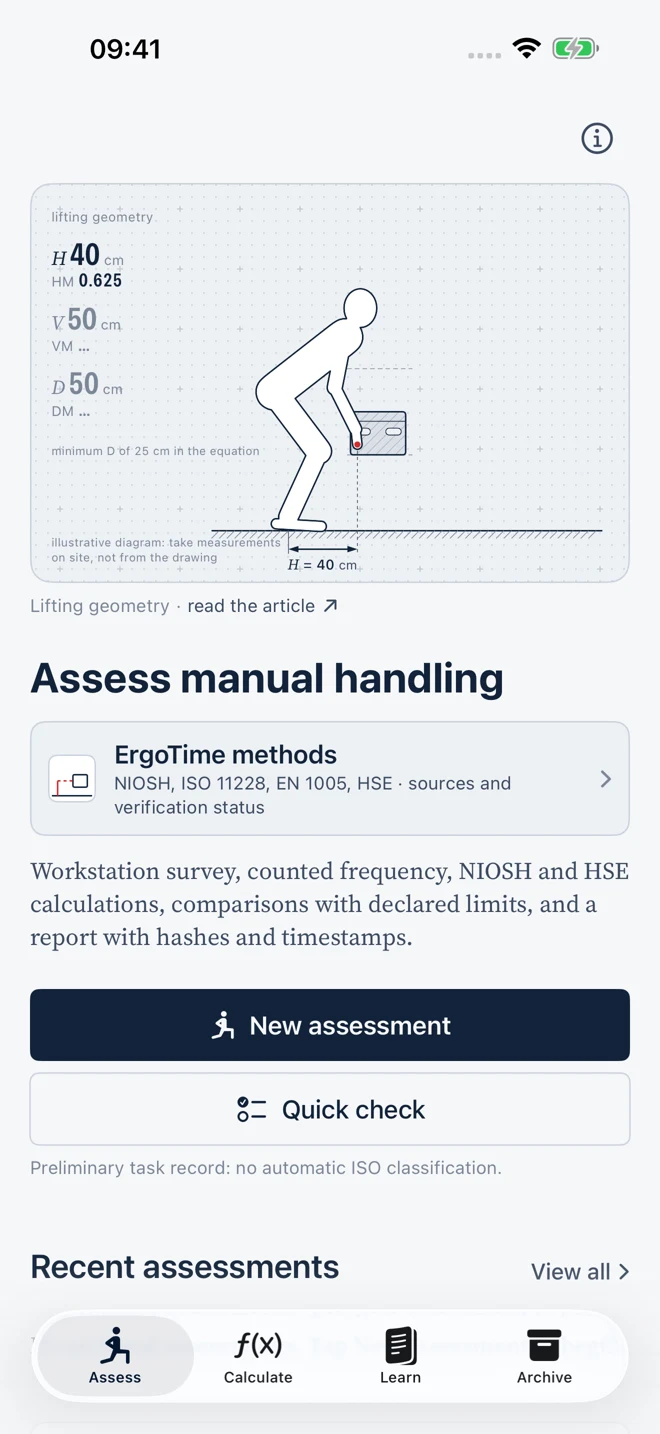
Organise the workstation assessment in ten steps. Record the task, geometry, frequency, observations and photographs, choosing the inputs relevant to the method.

ErgoTime
iPhone · iOS 17+ · Italiano / English
Record workstation data, explore assessment methods and prepare technical reports for review. Lifting, carrying, pushing and pulling, repetitive work: one workflow on your iPhone.
iPhone release being prepared for the App Store.
Your workflow
Organise the workstation assessment in ten steps. Record the task, geometry, frequency, observations and photographs, choosing the inputs relevant to the method.
Fourteen calculators with formulas, units, calculation steps and warnings. Check inputs, compare scenarios and distinguish numerical results from professional assessment.
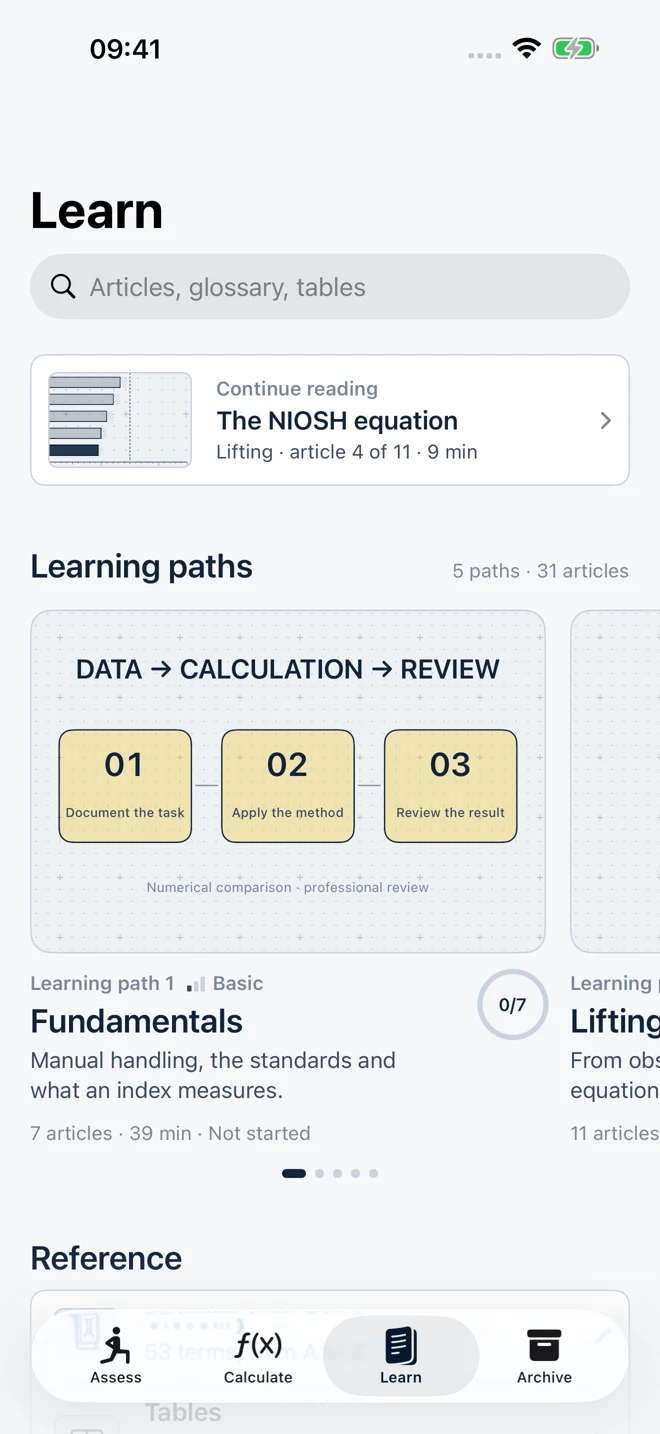
Articles, a glossary, quizzes and interactive diagrams explain the methods. Text, labels and animations follow your selected language.
Preview documents and data before exporting. Keep assessments, photographs and reports in the local archive, with PDF, JSON/CSV and assessment package exports.
Methods and tools
Read each result alongside its assumptions, limitations and sources. Consult the complete standards wherever the method requires them.
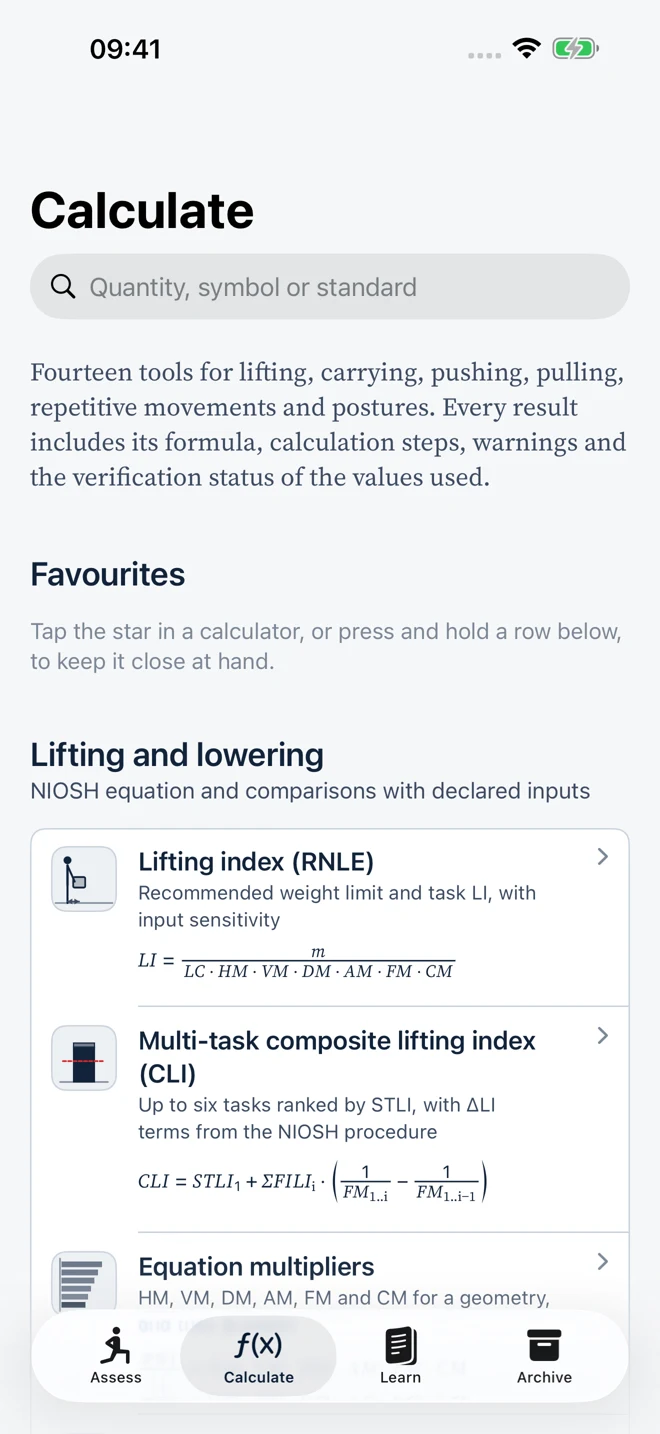
Revised NIOSH lifting equation, multipliers, Lifting Index and Composite Lifting Index. Original preliminary record and numerical comparisons with declared limits.
Cumulative carried mass and recording of task conditions. MAC support for observing relevant manual handling factors.
RAPP and comparison of measured forces with limits declared by the assessor. Forces require appropriate measurement; they are not derived from a photograph.
ART for repetitive upper-limb tasks. Force and posture records with arithmetic comparisons against limits and sources entered by the assessor.
Italiano / English
On first launch, ErgoTime uses Italian when it is the device’s primary language, and English otherwise. Change the language during setup or in About.
The interface, learning paths, quizzes, interactive diagrams and newly generated reports follow your selection. Your own entries and previously archived documents retain their original content.
How to choose your language →Preview and export
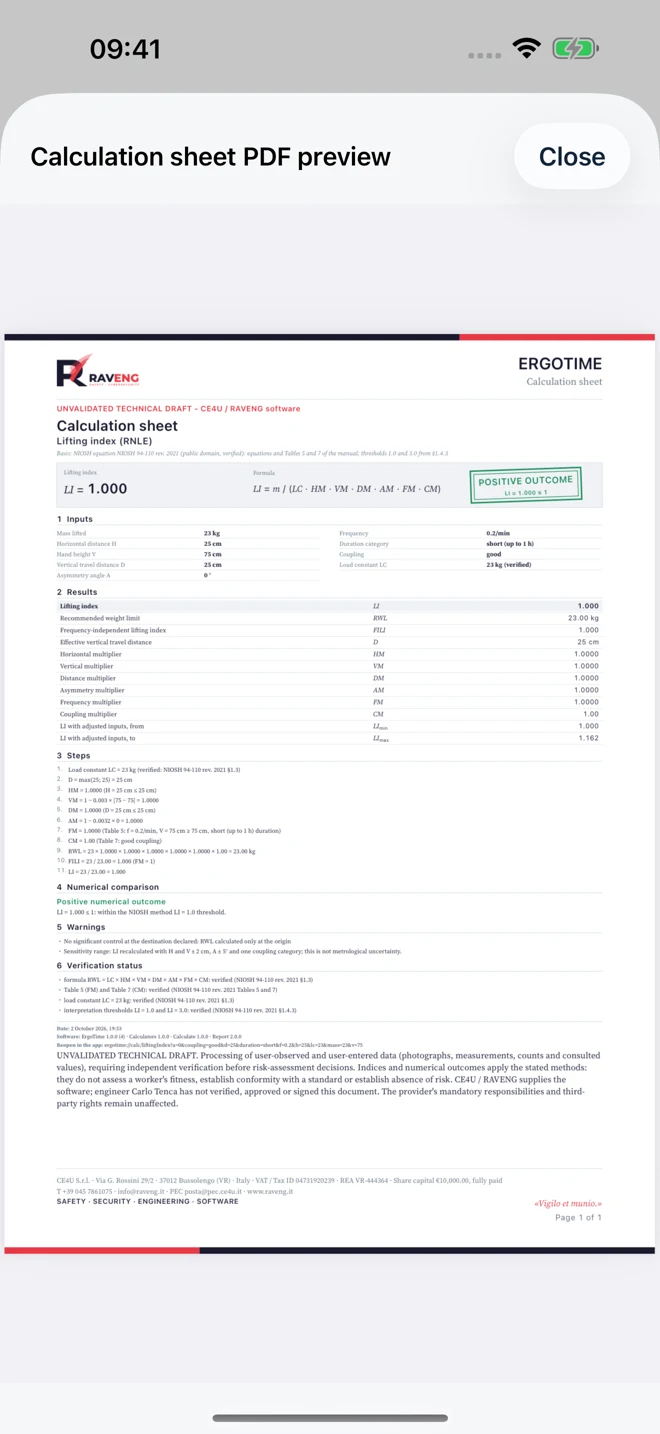
Preview actions accompany export and share controls. Review the calculation sheet, report or text, then choose a destination using the iOS controls.
The archive is local. Export the copies you want to keep before replacing or resetting the device. An ErgoTime cloud service is not included.
Two durations, the same features
Free
Read the learning content and access previously saved assessments and documents. Archive access and export remain available after your plan expires.
Base
Both durations unlock all features: Assess, Calculate, report generation, printing and export. No separate purchase is required for an individual report.
€2.99 / month · €29.90 / year
Planned reference prices for Italy. The price and terms shown by Apple for your storefront apply before purchase.
Transparency and responsibility
ErgoTime produces unvalidated technical drafts. It does not certify compliance, absence of risk or a worker’s fitness, and does not replace a risk assessment. It is not a medical device.
The revised NIOSH lifting equation and Composite Lifting Index, HSE MAC, RAPP and ART tools, independent cumulative-mass arithmetic, an original preliminary record, and numerical mass, force and duration comparisons using assessor-declared limits and sources. ISO/EN tables, matrices, curves and checklists are not embedded: the criteria are available in the applicable standards, which must be consulted separately. No numerical comparison certifies compliance or safety.
Do not enter workers’ health data or personal identifiers. Photographs document the workstation and are not used to automatically derive distances or forces. RFC 3161 time-stamp requests send hashes and technical data to external services, not PDFs or photographs; providers also receive the IP address.